SORN check. Free.
EVERY REPORT INCLUDES:
*Data provided by Experian
SORN status free. Full history when you need it.
How do I check if a car is SORN?
Enter the registration above and the free check shows whether the car is on SORN, taxed or untaxed, using DVLA data. A SORN car must not be driven or kept on a public road. A SORN does not pass to a new keeper, so if you buy the car you must tax it before you drive it, or make a new SORN if it will stay off the road.
The usual answers. What each one means.
The free check reads the status straight from DVLA records. Here is what to do with it as a buyer.
- Taxed
Taxed by the current keeper
The tax is in the seller's name and stops when they sell. Tax it in your name before you drive it home, and check the MOT and insurance separately.
- SORN
Declared off the road
It cannot be driven or parked on a public road until it is taxed. Ask the seller why, and how long it has stood.
- Untaxed
Neither taxed nor SORN
The keeper can be fined for this. You can still buy it, but tax it before it moves.
What SORN cannot tell you
A car can be off the road for a reason.
A car on SORN may have been in an accident or written off, or it may simply have been stored. The DVLA status will not say. The full report shows any write-off, finance or stolen records, where they exist.
Check the full history- Insurance write-offCat A, B, S or N on record
- Outstanding financeMoney still owed on the car
- Stolen markerReported to the police
- Salvage auctionSold as damaged, photos where available
Free SORN Status, Plus What It Cannot Show
SORN status tells you if a car has been declared off the road. It does not tell you the car is safe to buy.
SORN, Taxed or Untaxed
The free check shows the DVLA tax status for any UK registration, so you know if the car is declared off the road
Tax Due Date
See the date the current tax runs to, or the date on record for a car that is not taxed
Plus MOT and Vehicle Details
The same free result also shows MOT status, MOT history, colour, fuel type, engine size and first registration date
What SORN Cannot Show
A SORN car may have outstanding finance, a stolen marker or a write-off history. A full Carhealth check covers those
How it works
From registration plate to full report, instantly.
Step 1Enter your registration
Every UK car has a unique registration on its number plate or V5C logbook. Takes seconds to type in.
Step 2We search multiple sources
We pull from DVLA, DVSA, Experian, salvage auction records, and more, all at once.
Step 3Your report is ready
Your history report is ready instantly, covering finance, theft, mileage, accidents, and more.
Step 4Buy with confidence
Use your report to negotiate a better price, avoid hidden problems, and make a safe, informed purchase.
View sample report →
Everything inside a Carhealth report.
Our checks go far beyond the basics: the full picture, before you hand over any money.
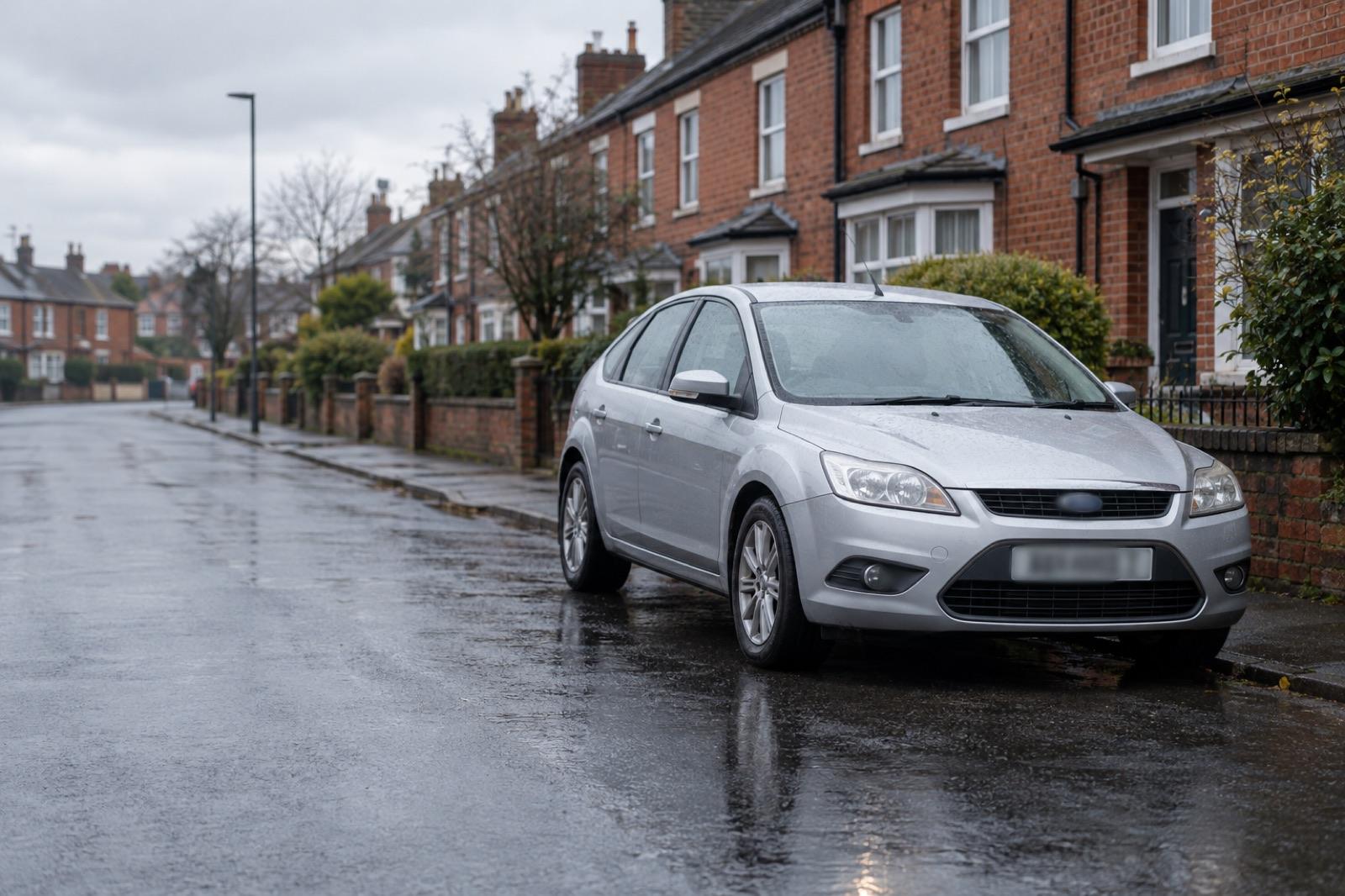
Red flags
Sample report- Outstanding finance (data provided by Experian)Hire purchase
- Insurance write-off (data provided by Experian)Cat N, June 2025
- Stolen records (data provided by Experian)Closed record
- Salvage auction (data provided by Experian)Sold July 2025
- Mileage1 reading out of line
- Taxi or private hirePossible, TfL licence
Finance, theft, write-offs and clocking.
Outstanding finance (data provided by Experian)
Any finance agreement still recorded against the car, with the lender and agreement type.
Write-offs and theft (data provided by Experian)
Insurance write-off categories, police stolen records and the car's DVLA status.
Salvage and auction records (data provided by Experian)
Salvage auction history, with links to the auction photos where available.
Mileage checks
Every recorded reading over time, so you can see whether the mileage adds up.
Taxi and private hire
Whether the car has been licensed as a taxi or private hire vehicle.
See this for your car.
Enter the registration and your report is ready instantly.
Check my carView a sample report

*Data provided by Experian
Frequently Asked Questions
Common questions about SORN check on Carhealth
SORN stands for Statutory Off Road Notification. It is a declaration to the DVLA that a vehicle is being kept off public roads, so it does not need to be taxed while the declaration stands. The DVLA shows the vehicle as SORN until it is taxed again.
Enter the registration number above. The free result shows the DVLA tax status for the car: taxed, untaxed or SORN. The GOV.UK vehicle enquiry service shows the same status and is also free. Ours adds the MOT history and the option of a full report.
No. A vehicle with a SORN must not be driven or kept on a public road. The only exception is driving it to or from a pre-booked MOT test. To use the car again it must be taxed first.
No. A SORN does not pass to a new keeper. If you buy a car that is on SORN, you must tax it in your own name before it goes on a public road, or make a new SORN straight away if it will stay off the road. Vehicle tax does not transfer either, and has not since 1 October 2014.
A SORN status alone does not say. Many cars go on SORN while they are stored, repaired or between owners. Ask the seller why the car was off the road and for how long, and check the MOT history. A SORN check will not show outstanding finance, a stolen marker or a write-off record, so run a full history check before you pay.
Yes. The SORN status in our free check costs nothing and uses DVLA data. GOV.UK offers a free vehicle enquiry service too. Our free check adds MOT history and vehicle details, and the full Carhealth report adds finance, stolen, write-off and mileage records.
Want to know when the tax runs out? Use the car tax check, see everything DVLA holds with the DVLA check, or run a free car check for MOT history too.
Related guides
Plain-English reading on this check, from the Carhealth blog.