Change of ownership check. Keeper changes by reg.
EVERY REPORT INCLUDES:
*Data provided by Experian
How often it changed hands, and when.
How do I check how many owners a car has had?
Enter the registration above. The report shows the number of previous keepers, the date the current keeper took the car on and how long ago that was, the dates the previous keeper acquired and sold it, and the number of keeper changes on record. It does not show names or addresses. Read the dates against the MOT mileage to see how each keeper used the car.
Last updated
What the report shows
See how often it has changed hands.
The report shows how many keepers the car has had, when it last changed hands and when the V5C logbook was issued. It does not show names or addresses, because the DVLA keeps those private.
- The number of previous keepers, and how long the current and last keeper have had it
- Plate changes, so you can see when the car carried a different plate
- V5C issue dates to compare with the logbook the seller shows you
3 previous keepers
- Current keeper since
- 9 June 2024
- Previous keeper
- Acquired 21 February 2022, sold 9 June 2024
- Keeper changes on record
- 3
- Previous colours
- 0
Plate change
V5C logbook
- Issued 9 June 2024
- Issued 3 November 2023
- Issued 21 February 2022
What a Change of Ownership Check Shows
The keeper record and the dates around it. Names and addresses stay private with the DVLA.
Keeper Count
The Vehicle History section shows the number of previous keepers and the number of keeper changes on record
Current Keeper Since
The date the current keeper took the car on, with how long that is, and, where DVLA holds them, the dates the previous keeper acquired and sold it
Read With the Mileage
The MOT history lists the mileage at each test, so you can see how far each keeper drove the car and whether the readings line up with the keeper dates
V5C Dates and Plate Changes
Each keeper change issues a new V5C, and so does a plate change. The report shows both, so a recent logbook can be explained
What's Included in Your Change of Ownership Check
How Carhealth compares to traditional vehicle check services.
Carhealth Report
from
£14.99
Standard checks
- Vehicle Tax Check
- MOT History (Full)
- Stolen Vehicle Check (data provided by Experian)
- Insurance Write-off Check (data provided by Experian)
- Mileage Verification
- Scrapped/Imported Status (data provided by Experian)
- Outstanding Finance Check (data provided by Experian)
Only with Carhealth
- AI Analysis
- Buyers Guide
- Maintenance due
- Common Problems
Also in every report
- Salvage & auction records (data provided by Experian)
- Previous damage
- Market value & 5-year forecast
- Safety recalls & NCAP rating
- Tax & ULEZ status
- Life expectancy estimate
- Previous adverts
- Services required
- Cost to own
- Negotiation brief
- Advert check
- Inspection checklist
- Ask the report
- Specification & options
Typical basic check
Standard checks
- Vehicle Tax Check
- MOT History (Full)
- Stolen Vehicle Check
- Insurance Write-off Check
- Mileage Verification
- Scrapped/Imported Status
- Outstanding Finance Check
Not included
- AI Analysis
- Buyers Guide
- Maintenance due
- Common Problems
*Data provided by Experian
How it works
From registration plate to full report, instantly.
Step 1: Enter your registration
Every UK car has a unique registration on its number plate or V5C logbook. Takes seconds to type in.
Step 2: We search multiple sources
We pull from DVLA, DVSA, Experian, salvage auction records, and more, all at once.
Step 3: Your report is ready
Your history report is ready instantly, covering finance, theft, mileage, accidents, and more.
Step 4: Buy with confidence
Use your report to negotiate a better price, avoid hidden problems, and make a safe, informed purchase.
View sample report →
Everything inside a Carhealth report.
Our checks go far beyond the basics: the full picture, before you hand over any money.
Red flags
Sample report- Outstanding finance (data provided by Experian)Hire purchase
- Insurance write-off (data provided by Experian)Cat N, June 2025
- Stolen records (data provided by Experian)Closed record
- Salvage auction (data provided by Experian)Sold July 2025
- Mileage1 reading out of line
- Taxi or private hirePossible, TfL licence
Finance, theft, write-offs and clocking.
Outstanding finance (data provided by Experian)
Any finance agreement still recorded against the car, with the lender and agreement type.
Write-offs and theft (data provided by Experian)
Insurance write-off categories, police stolen records and the car's DVLA status.
Salvage and auction records (data provided by Experian)
Salvage auction history, with links to the auction photos where available.
Mileage checks
Every recorded reading over time, so you can see whether the mileage adds up.
Taxi and private hire
Whether the car has been licensed as a taxi or private hire vehicle.
See this for your car.
Enter the registration and your report is ready instantly.
Check my carView a sample report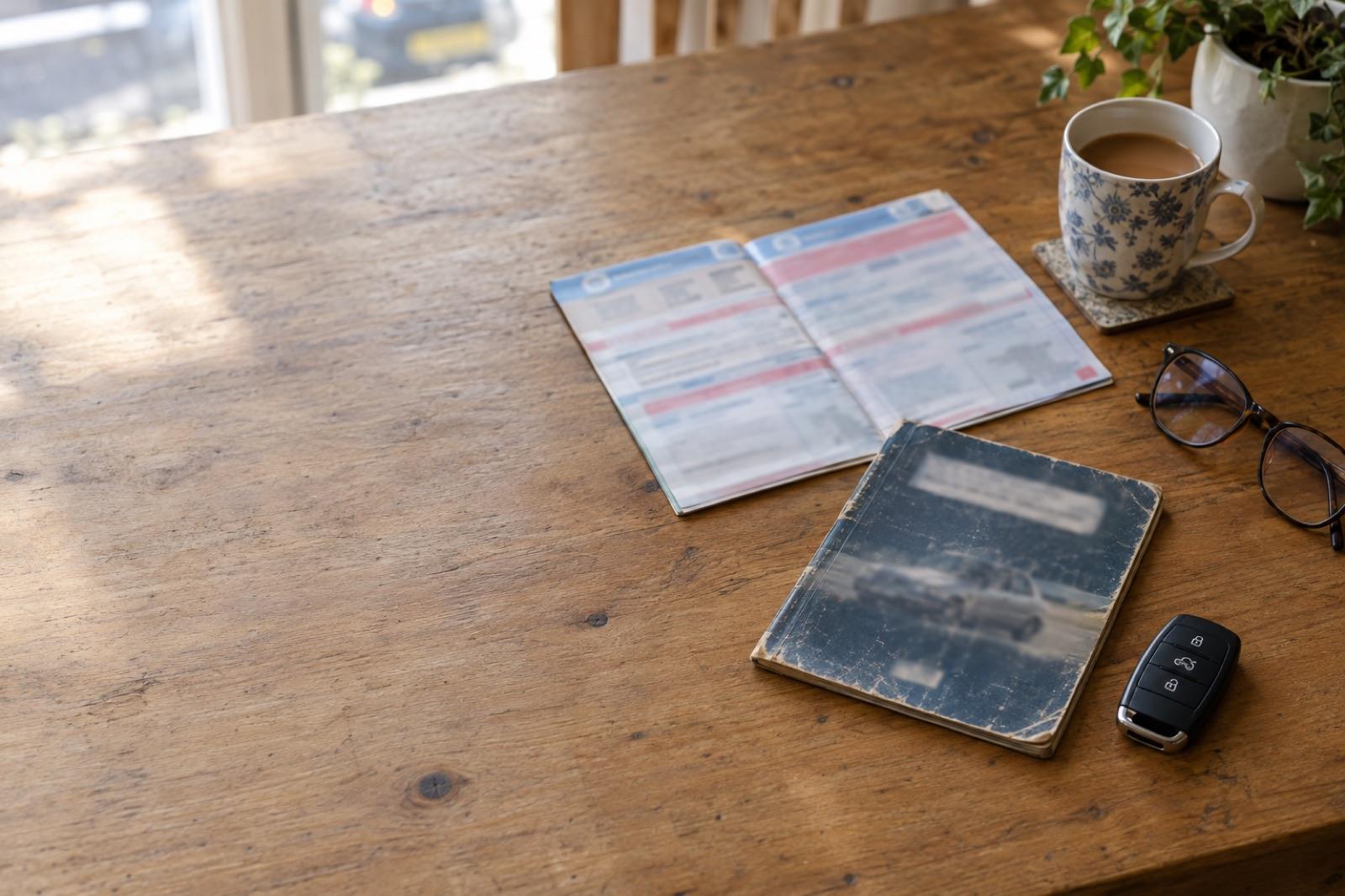
*Data provided by Experian
Frequently Asked Questions
Common questions about change of ownership check on Carhealth
Enter the registration on Carhealth. The Vehicle History section of the report shows the number of previous keepers, the date the current keeper took the car on and how long ago that was, the dates the previous keeper acquired and sold it, and the number of keeper changes on record. It does not show names or addresses. The V5C logbook also shows the number of former keepers, so compare the two.
Not always. The registered keeper is the person DVLA holds as responsible for the car, who taxes and insures it. The owner holds title. A car on hire purchase or PCP belongs to the finance company until the last payment, and a company car is kept by the driver and owned by the company. The report counts keepers, as the V5C does, and its outstanding finance check covers the ownership question.
On its own, not much: people change jobs, grow families and move abroad. Several short keepers in a row is different. It can mean a fault that each keeper passed on, a car that has been round the trade, or a car bought to sell. Read the keeper dates against the MOT mileage and the advisories: a car that changed hands straight after a fail or a heavy advisory list has a story the seller should be able to tell.
Line up the dates. The report's MOT history shows the mileage at each test, and the keeper record shows when the car changed hands. Divide the miles between tests by the time between them to see how hard each keeper used it. A keeper who covered very few miles in several years, or a mileage that drops between keepers, is worth a question. The mileage section flags a reading lower than an earlier one.
Dealer stock does not usually add a keeper, so a car that has been through several forecourts can show fewer changes than its trading history. A pre-registered or fleet car can show one keeper that was never a private owner. A family transfer counts as a keeper even though the car never left the household. The report shows the count the records hold; the advert shows the seller's reading of it.
GOV.UK says to tell DVLA when you buy a vehicle, and that the tax is not transferred to you when you buy it. You need to tax the car in your own name before you can use it on the road. Make sure the seller completes the change of keeper with DVLA (online or by post) so you become the registered keeper, and keep the green new keeper slip (V5C/2) until the new V5C arrives.
Checking the paperwork too? See the logbook check, the mileage check and the outstanding finance check.
Related guides
Plain-English reading on this check, from the Carhealth blog.