Car accident check. Damage records by reg.
EVERY REPORT INCLUDES:
*Data provided by Experian
What the records hold on its damage.
How do I check if a car has been in an accident?
Enter the registration above. The report shows the car's insurance write-off records, supplied by Experian: the category, the loss date, the insurer and the cause of damage, with the damaged areas marked on a car diagram. It also shows its salvage auction records, and CarhealthAI inspects the photos from its most recent sale adverts for damage and signs of past repair.
Last updated
What the report shows
See the damage records before you pay.
The report shows the car's insurance write-off record: the category, the loss date, the insurer and the cause of damage, with the damaged areas marked on a car diagram. Salvage auction records sit alongside it, and CarhealthAI inspects the photos from the car's most recent adverts.
- The write-off category, the loss date and the insurer
- The cause of damage, with the damaged areas marked on a car diagram
- Salvage auction records and a photo damage check
Damaged areas
- Front
- Right side (offside)
- Loss date
- 18 September 2023
- Cause of damage
- Accident
- Damage locations
- Front, Offside
- Insurer
- Example Insurance
Insurer write-off records are supplied by Experian.
What a Car Accident Check Shows
Insurer records, salvage auction records and a photo damage check, in one report.
Insurance Write-off Records
The write-off category, the loss date, the insurer and the cause of damage, with the damaged areas marked on a car diagram. Supplied by Experian
Salvage Auction Records
The lot description, auction date, primary and secondary damage, mileage at auction and auction location. From an independent salvage data provider
Photo Damage Check
CarhealthAI inspects the photos from the car's most recent sale adverts for damage and signs of past repair, and compares adverts to spot changes
MOT Advisories and Failures
Every MOT test with pass or fail, the mileage, the advisories and the failure items, from DVSA records
What's Included in Your Car Accident Check
How Carhealth compares to traditional vehicle check services.
Carhealth Report
from
£14.99
Standard checks
- Vehicle Tax Check
- MOT History (Full)
- Stolen Vehicle Check (data provided by Experian)
- Insurance Write-off Check (data provided by Experian)
- Mileage Verification
- Scrapped/Imported Status (data provided by Experian)
- Outstanding Finance Check (data provided by Experian)
Only with Carhealth
- AI Analysis
- Buyers Guide
- Maintenance due
- Common Problems
Also in every report
- Salvage & auction records
- Previous damage
- Market value & 5-year forecast
- Safety recalls & NCAP rating
- Tax & ULEZ status
- Life expectancy estimate
- Previous adverts
- Services required
- Cost to own
- Negotiation brief
- Advert check
- Inspection checklist
- Ask the report
- Specification & options
Typical basic check
Standard checks
- Vehicle Tax Check
- MOT History (Full)
- Stolen Vehicle Check
- Insurance Write-off Check
- Mileage Verification
- Scrapped/Imported Status
- Outstanding Finance Check
Not included
- AI Analysis
- Buyers Guide
- Maintenance due
- Common Problems
*Data provided by Experian
How it works
From registration plate to full report, instantly.
Step 1: Enter your registration
Every UK car has a unique registration on its number plate or V5C logbook. Takes seconds to type in.
Step 2: We search multiple sources
We pull from DVLA, DVSA, Experian, salvage auction records, and more, all at once.
Step 3: Your report is ready
Your history report is ready instantly, covering finance, theft, mileage, accidents, and more.
Step 4: Buy with confidence
Use your report to negotiate a better price, avoid hidden problems, and make a safe, informed purchase.
View sample report →
Everything inside a Carhealth report.
Our checks go far beyond the basics: the full picture, before you hand over any money.
Red flags
Sample report- Outstanding finance (data provided by Experian)Hire purchase
- Insurance write-off (data provided by Experian)Cat N, June 2025
- Stolen records (data provided by Experian)Closed record
- Salvage auctionSold July 2025
- Mileage1 reading out of line
- Taxi or private hirePossible, TfL licence
Finance, theft, write-offs and clocking.
Outstanding finance (data provided by Experian)
Any finance agreement still recorded against the car, with the lender and agreement type.
Write-offs and theft (data provided by Experian)
Insurance write-off categories, police stolen records and the car's DVLA status.
Salvage and auction records
Salvage auction history, with links to the auction photos where available.
Mileage checks
Every recorded reading over time, so you can see whether the mileage adds up.
Taxi and private hire
Whether the car has been licensed as a taxi or private hire vehicle.
See this for your car.
Enter the registration and your report is ready instantly.
Check my carView a sample report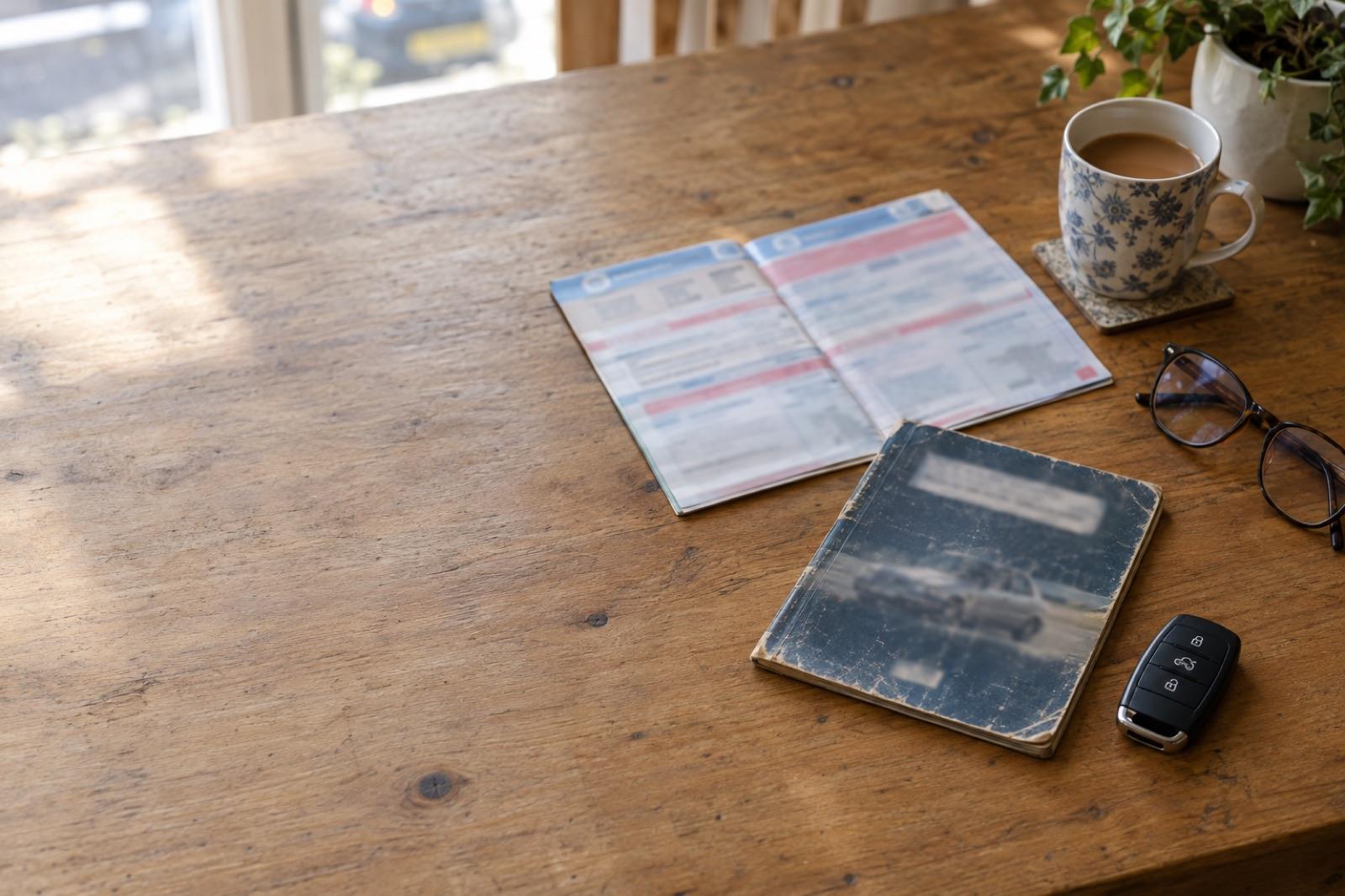

*Data provided by Experian
Frequently Asked Questions
Common questions about car accident check on Carhealth
Enter the registration on Carhealth. The report shows the car's insurance write-off records, supplied by Experian, with the category, the loss date, the insurer, the cause of damage and the damage locations marked on a car diagram. It shows its salvage auction records, from an independent salvage data provider, and CarhealthAI inspects the photos from its most recent sale adverts for damage and signs of past repair. It also lists the MOT advisories and failures from DVSA records.
The free DVLA vehicle enquiry on GOV.UK shows vehicle tax, SORN status, when the MOT expires and details such as the date of first registration and the last V5C issue date. The free DVLA vehicle enquiry does not show accident, write-off or salvage records. The Carhealth report adds insurance write-off records, supplied by Experian, and salvage auction records from an independent salvage data provider.
GOV.UK lists four categories. Category A cannot be repaired and the entire vehicle has to be crushed. Category B cannot be repaired and the body shell has to be crushed, but you can salvage other parts from it. Category S can be repaired following structural damage. Category N can be repaired following non-structural damage. A Category S or N car can be used again if it is repaired to a roadworthy condition. Older write-off records carry Category C or Category D. The report shows the category exactly as it appears on the record.
A clear result means no write-off or salvage record was found for the car. Damage repaired privately, without an insurance claim, is not in those records, so pair the report with an independent inspection before you pay.
CarhealthAI inspects the photos from the car's most recent sale adverts. It reports damage and signs of past repair, such as panel gaps, alignment, paint shade and parts that look newer than the rest. It compares adverts to list the changes between them, and it flags advert wording the photos contradict. Use the findings as a checklist when you see the car in person.
The report links to the salvage auction's photos where the auction published them. They are hosted by the auction site and open there. The Previous Adverts section shows the photos from the car's earlier sale adverts.
Ask the seller for evidence of the repair, such as invoices and photos taken during the work, and have an independent inspector look at the car. Check the recorded damage locations against the bodywork in person. Do not pay until you have the answers.
Looking at one record type? See the write-off check, the car salvage check, the Cat S check and the Cat N check.
Related guides
Plain-English reading on this check, from the Carhealth blog.